
USE SAVI DATA TOOLS
LATEST REPORTS
Protected: Indianapolis Police Budget Analysis
Password Protected To view this protected post, enter the password below: Password: Submit

Greenspace Assessment for Marion County
A special thank you to Keep Indianapolis Beautiful (KIB) and the Environmental Resilience Institute (ERI) at IU Bloomington for their ...
LATEST ARTICLES

Empowering Indiana Communities with Evictions & Foreclosure Data
More than 3.5 million U.S. households are threatened with eviction each year, a poignant illustration of rising housing costs. And,...
Empowering Indiana Communities with Evictions & Foreclosure Data
More than 3.5 million U.S. households are threatened with eviction each year, a poignant illustration of rising housing costs. The causes...
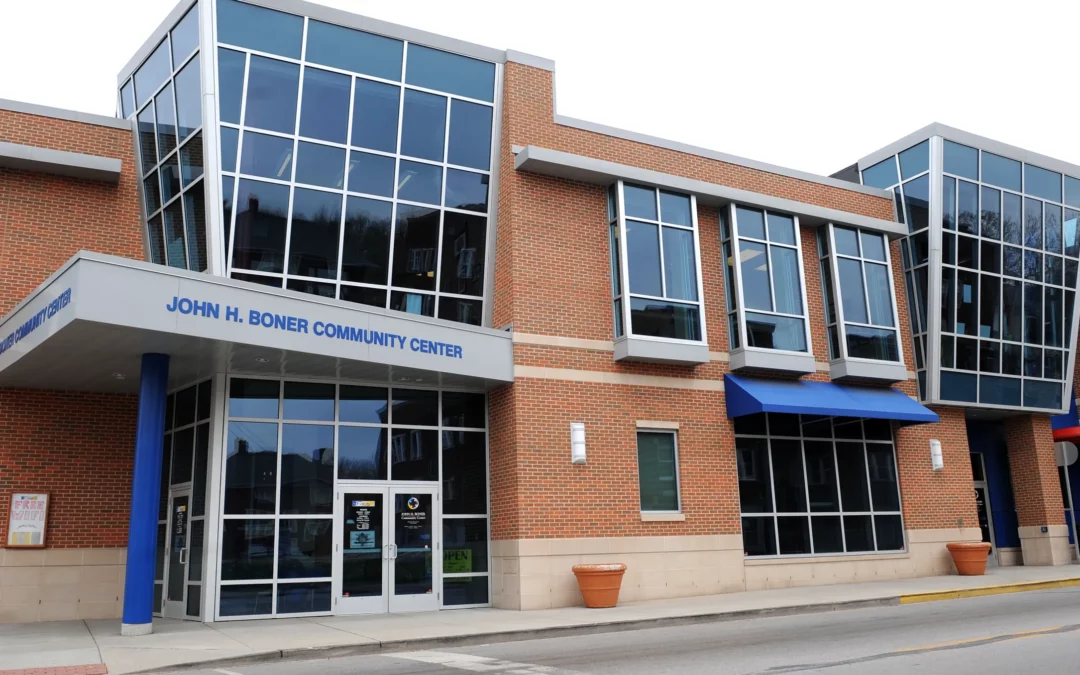
Lead exposure in the Indy East Promise Neighborhood
Lead exposure in the Indy East Promise NeighborhoodSpecial thanks to the Marion County Public Health Department for supplying child blood...

How is Indianapolis Doing?
A monthly look at how the Indianapolis metro area is recovering and emerging from the Covid-19 pandemic
Never miss our latest research.
UPCOMING TRAININGS
Module 4B: Make Decisions with Data
April 29 at 1:00 pm - 3:00 pmThe Value of Place: How to Enhance Your Teaching and Research with Free Mapping and Spatial Analysis Tools
May 6 at 1:00 pm - 2:30 pmModule 1A: Frame the Problem
May 13 at 1:00 pm - 3:00 pmModule 2A: Find Existing Data
May 28 at 1:00 pm - 3:00 pm
UPCOMING EVENTS
Women and Aging
May 16 at 9:00 am - 11:00 amModule 2A: Find Existing Data
August 12 at 9:00 am - 11:00 am
PROJECT PORTAL
Custom dashboards built with partners
DIPIN
Five-year community health program focused on neighborhoods with high health disparities

School Insights
Map and dashboard with data about school demand, performance, and demographics

Great Families 2020
Evaluating the impact of United Way of Central Indiana’s 2Gen service delivery model
Indy East Promise Neighborhood
$30 million federal investment to support neighborhood students and residents from cradle to career
Coming soon…
OUR SERVICES

Web-Based Decision Support Tools
We develop web applications that put data in context, communicate data effectively, and visualize data in meaningful ways.
See how we’ve helped Indianapolis create a consistent way to measure the goals of Plan 2020.

Analysis Reports
When you are ready to dig deeper, our team of analysts will develop custom reports. From economic development to program evaluation, we will find new insights from your data and public data.
See how we’ve helped Parkview Health discover our community’s key health needs.

Data Integration and Analysis
To truly evaluate impact, we need to integrate data from many different sources. Our data team builds long-term solutions that serve as a foundation for new research.

Strategic Data Consulting
We use data as a foundation in developing strategic plans and needs assessments. By combining community assessment techniques with insights from constituents and stakeholders, we develop data-informed, impactful strategies.
See how we’ve helped Second Presbyterian Church identify crucial unmet needs in their community.